Pip
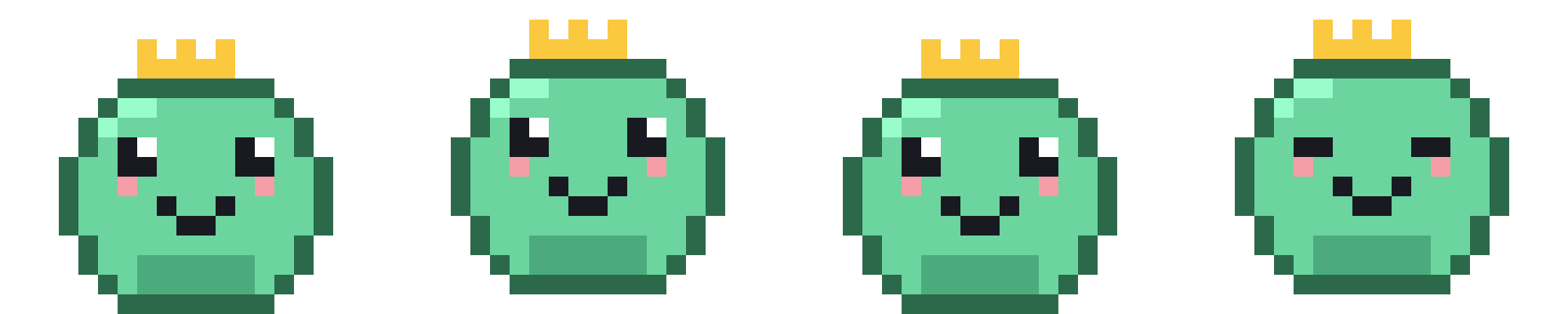
Easygoing slime
Cozy desktop pet for macOS
Pip naps in your menu bar, hangs out in the corner of your screen, and grows whenever you stop by to say hello.
Choose your companion
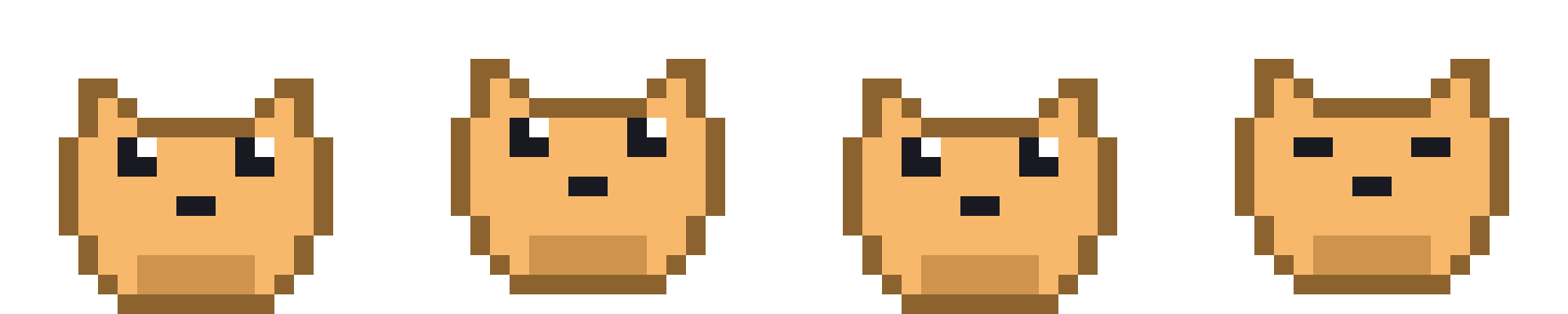
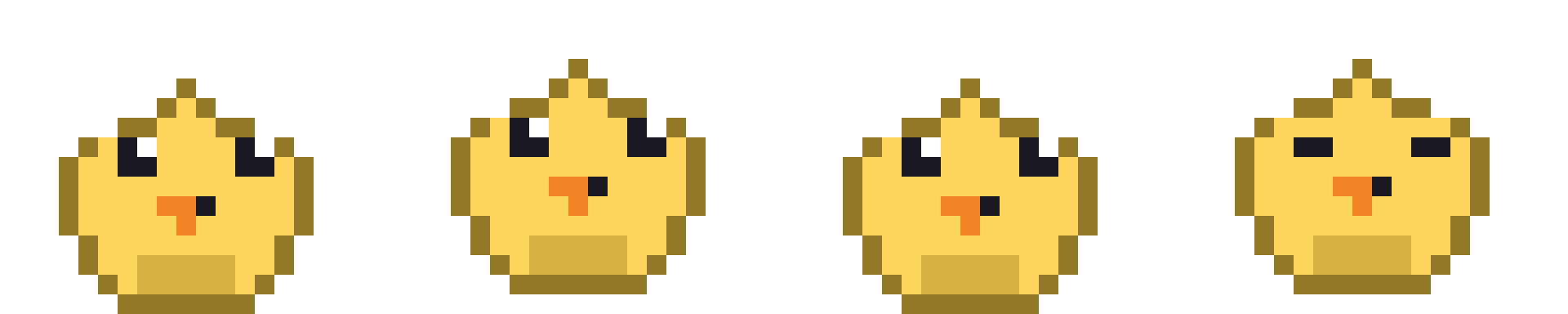
Adopt one or collect the whole crew. Every pet has a distinct silhouette, palette, mood, and four-stage journey.
Easygoing slime
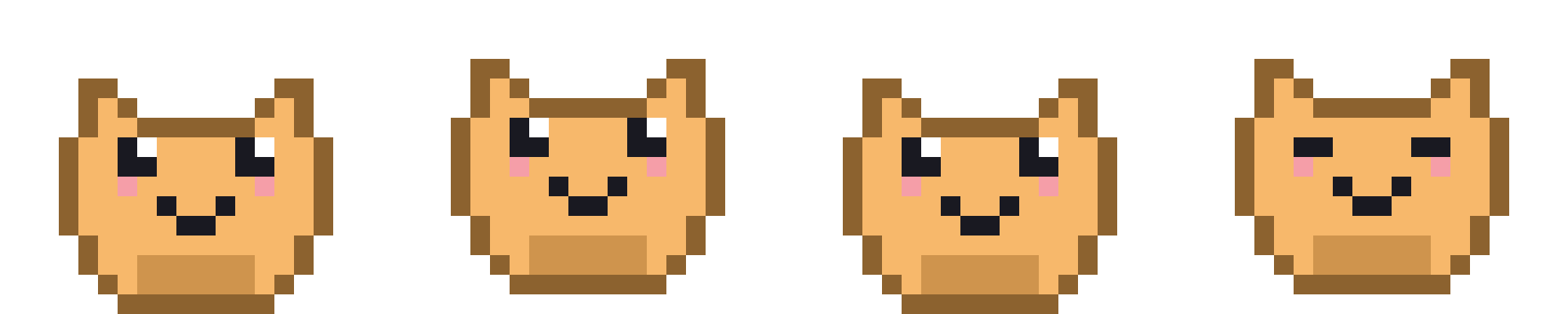
Curious cat

Cheerful chick

Shy ghost
A gentler kind of game
Pet, feed, or play whenever it feels nice. Pip never dies, never loses a stage, and quietly pauses while you are away.
Try it — this preview resets when you leave.
Designed to belong
Pip floats above the desktop but lets clicks pass through. It hides in full screen and never steals focus.
On supported Macs, Apple’s on-device model writes cozy little thoughts. Otherwise, Pip uses hand-written lines.
On-device onlyHide the overlay, mute the chimes, or keep Pip to the menu bar. Your Mac, your rhythm.
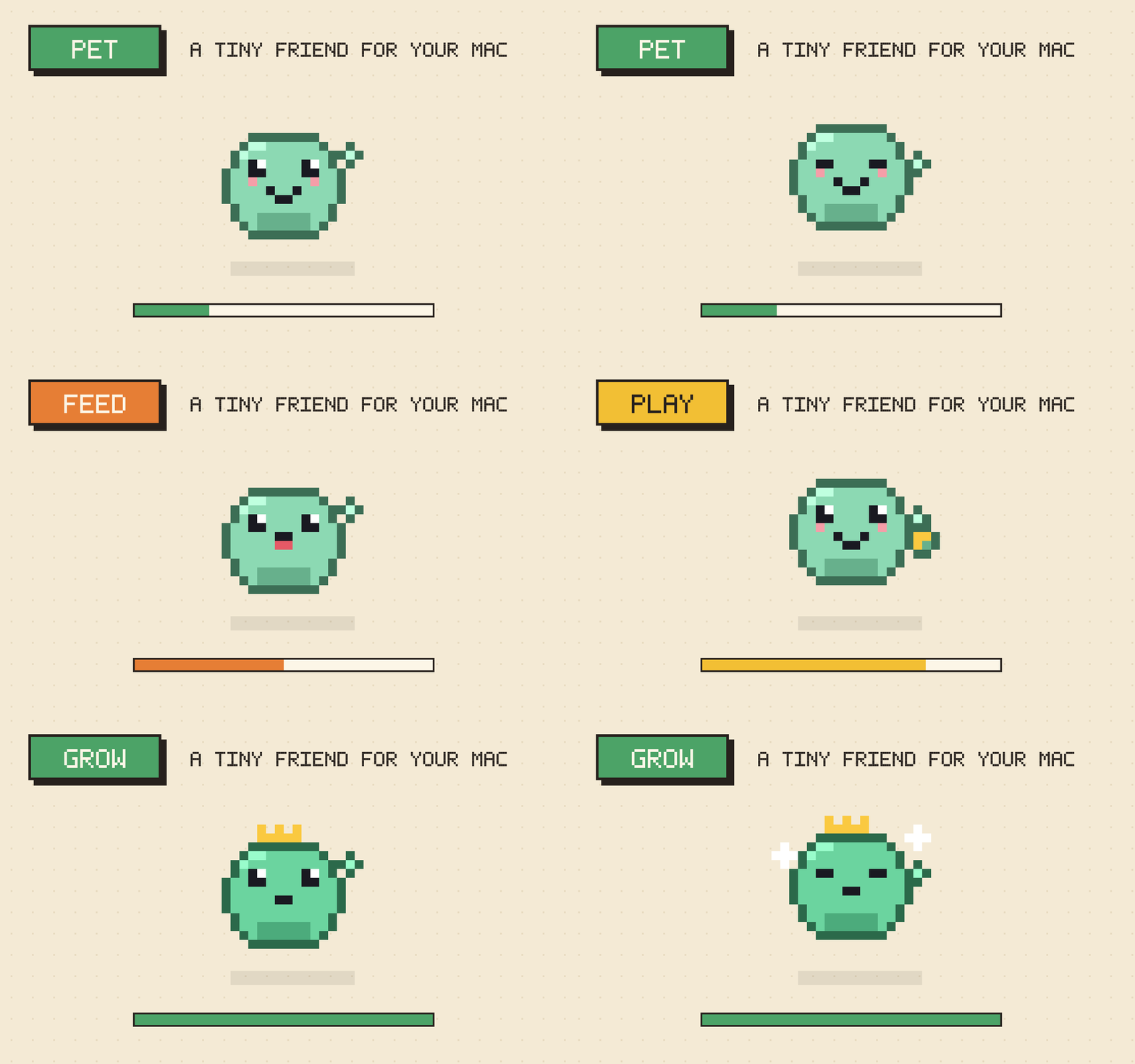
A slow, happy progression
Every meaningful interaction adds to a pet’s care score. Over one to three relaxed weeks, baby becomes juvenile, adult, then crowned final form.
 01 Baby
 02 Juvenile
 03 Adult
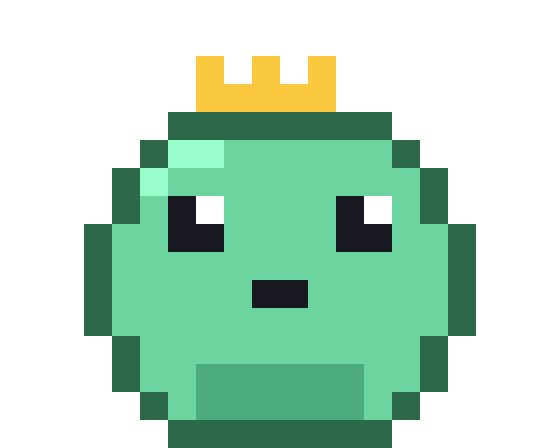 04 Final form
Progress is forever. No regression, ever.
App Store preview set
Five polished, submission-sized scenes made from the app’s real pixel sprites. Select any image for a closer look.
Private from the first pat
Pip has no accounts, no ads, no analytics, and no networking code. Pet state stays inside the macOS App Sandbox.
Good to know
Everything Pip needs, and nothing it doesn’t.
Yes. Pip is a lightweight menu-bar app with a click-through corner companion. It stays out of your workflow and hides automatically in full screen.
Nothing bad. When you step away, Pip pauses meter decay and naps to recover. Pets never die, regress, or punish you for being busy.
No. Supported Macs can use Apple’s on-device model for thought bubbles, but Pip always includes a hand-written fallback.
Yes. Adopt all four species and switch between them whenever you like. Inactive pets wait safely without losing progress.
Pip requires macOS 26 or later.
Your corner is ready
One calm companion. Four creatures. Zero subscriptions, accounts, or trackers.
Coming to the Mac App Store Requires macOS 26 or later